Version 7.3.0
LaunchBuddy unfolds
Unfold iPhone Duo, or open LaunchBuddy on iPad, and the Mac layout is waiting. Plus Break Down, a clearer task sheet, and checklists that finally know where they live.
Two panes, one less excuse
Unfold iPhone Duo, or open LaunchBuddy on iPad, and you get the Mac layout: your apps in a colored sidebar, the workspace right beside them. The cover display stays a proper phone, with the release version as the title.
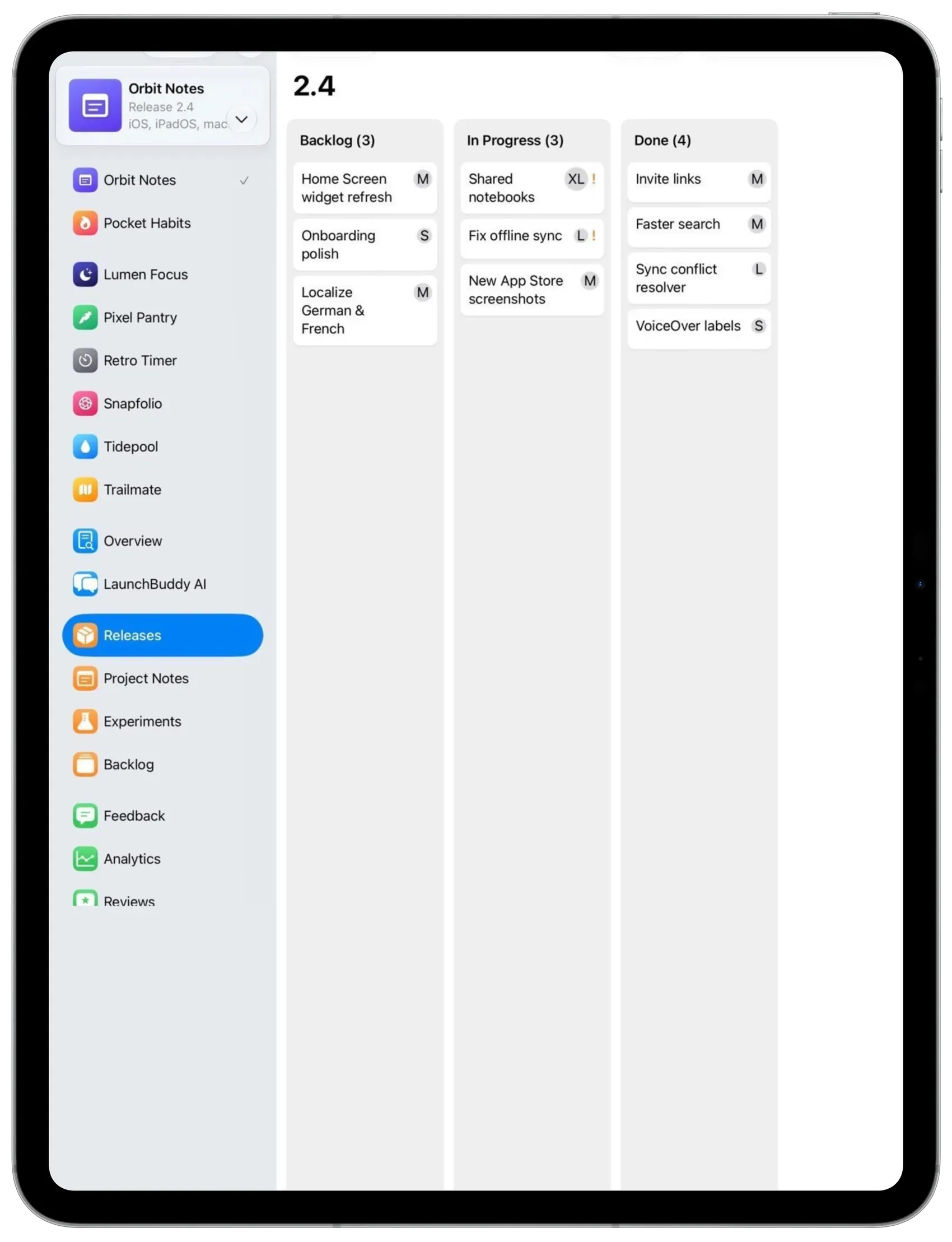
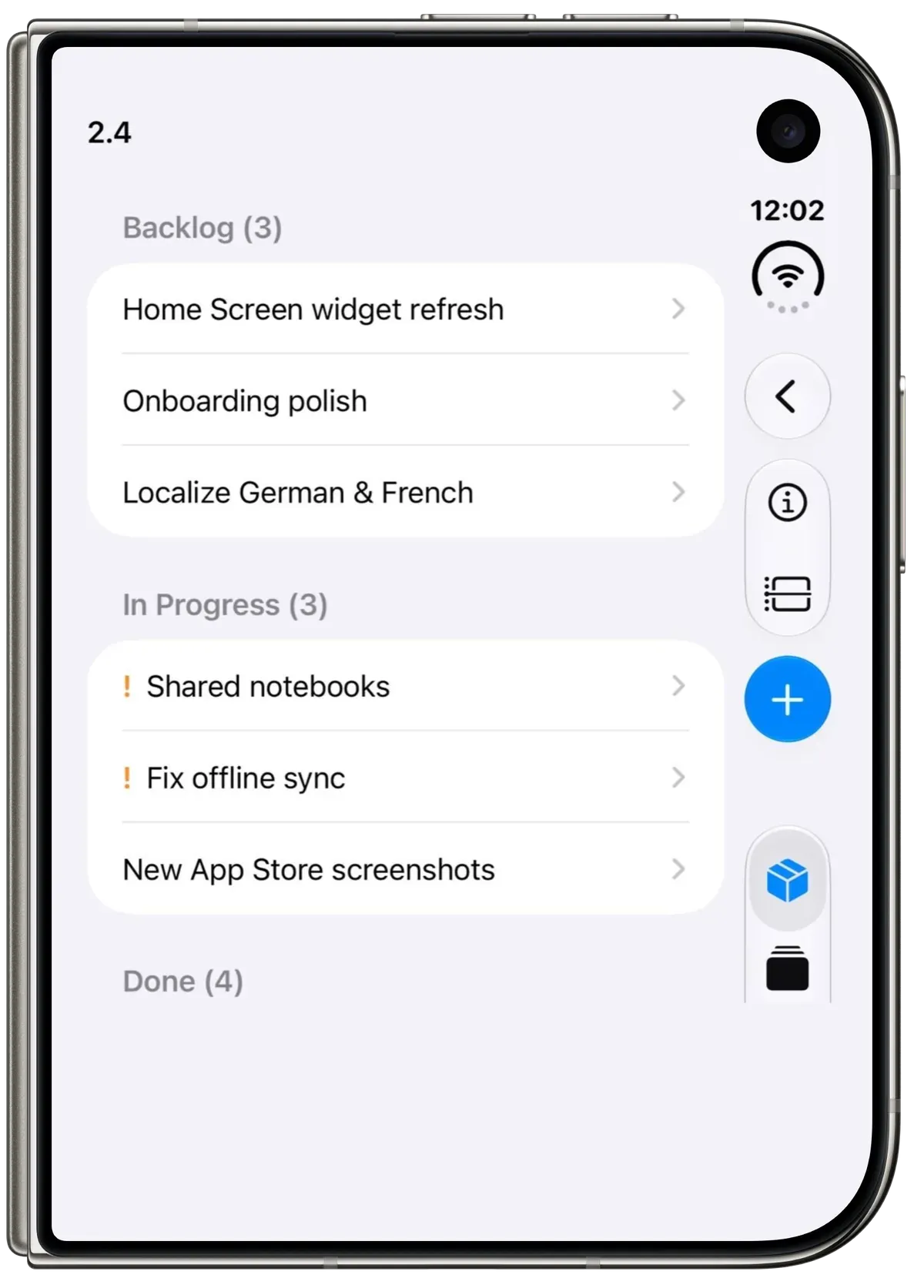
Break a big task into smaller ones
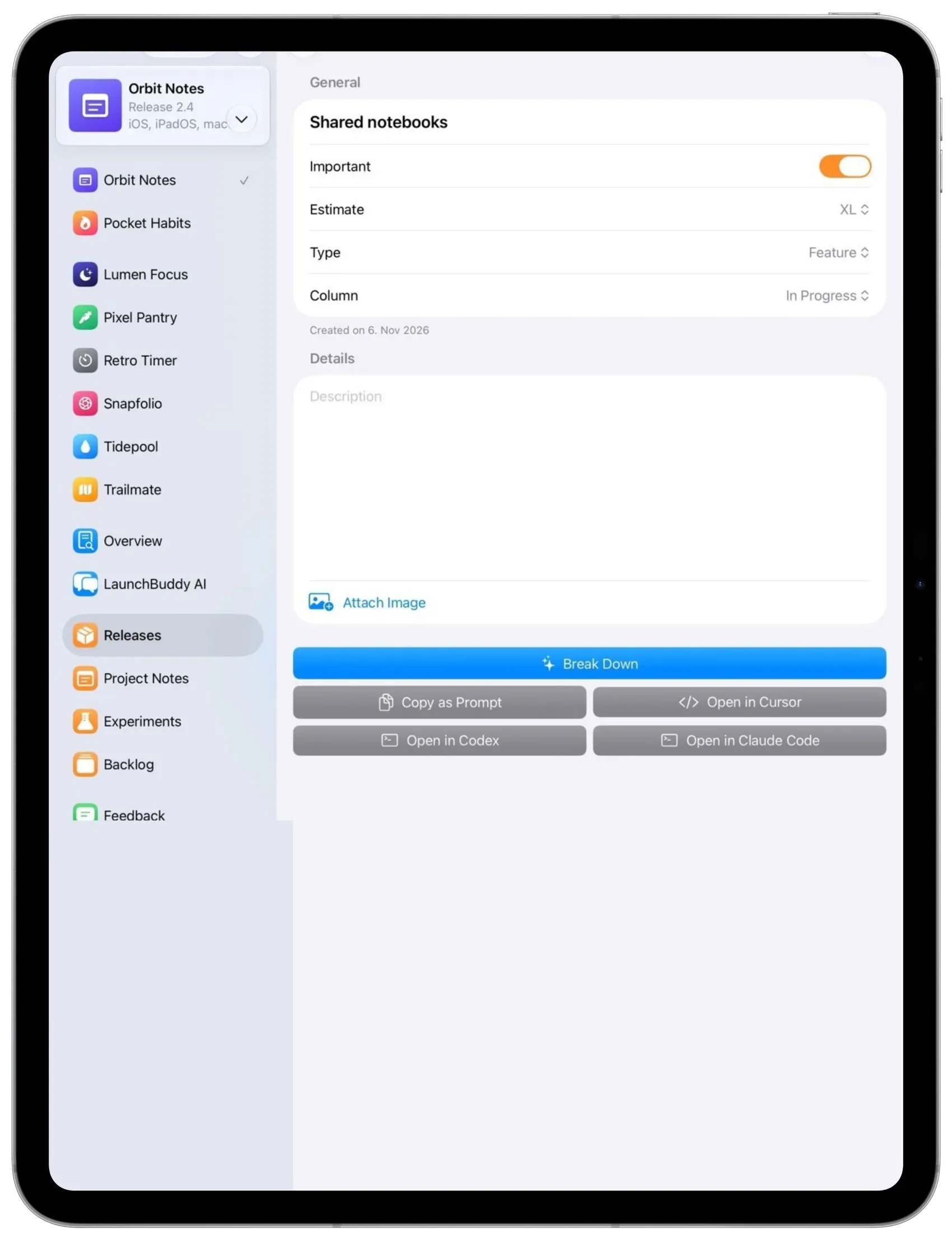
Open a task and tap Break Down. LaunchBuddy AI drops a handful of smaller tasks right underneath, so future-you can stop staring at the chunky one. The sheet is easier to scan, too: attachments sit with the details, and the agent actions are a button grid.
Checklists found a home
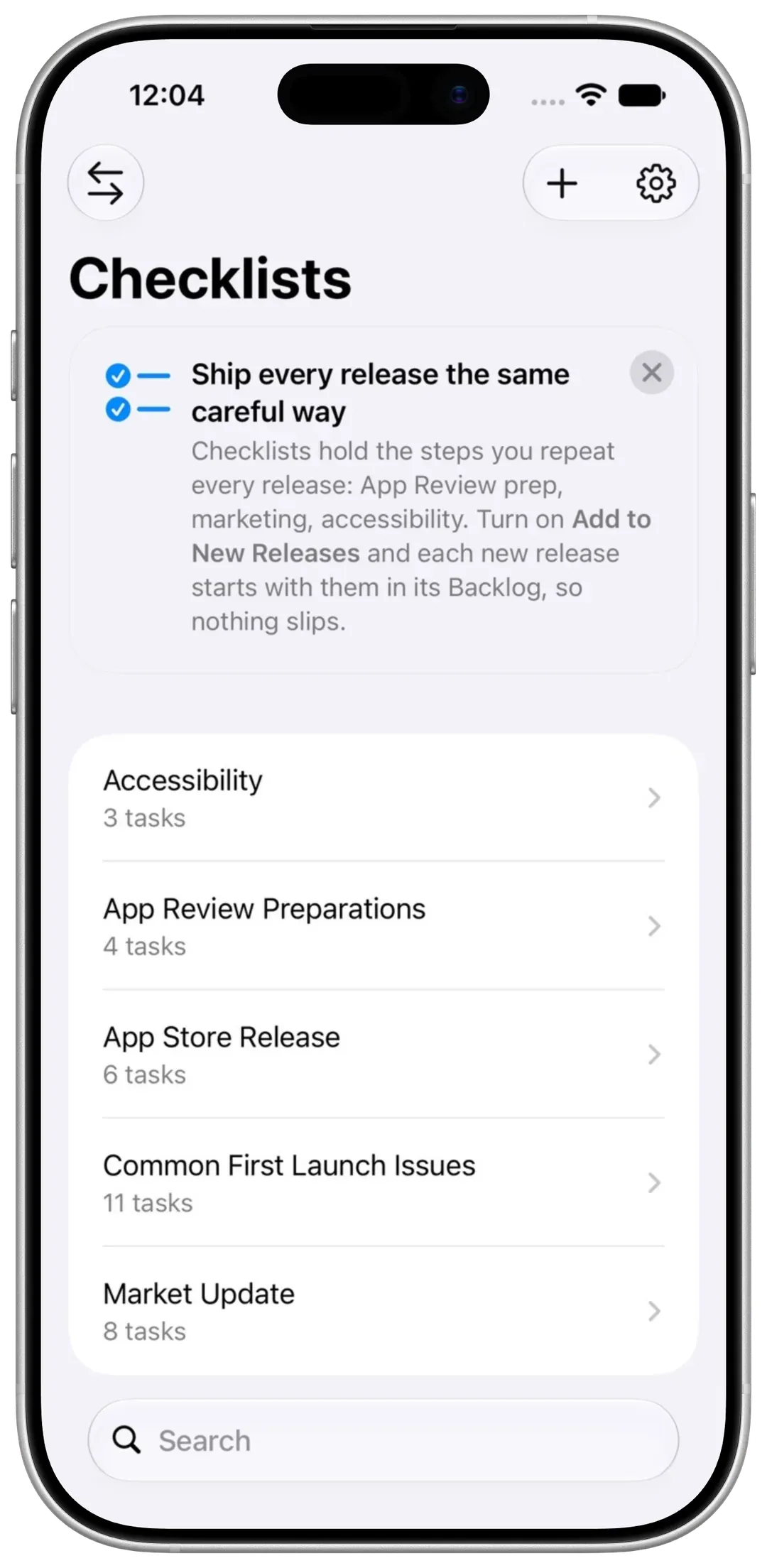
On iPhone, checklists moved into the library switcher, next to your apps and ideas. Same place you would go looking for them.
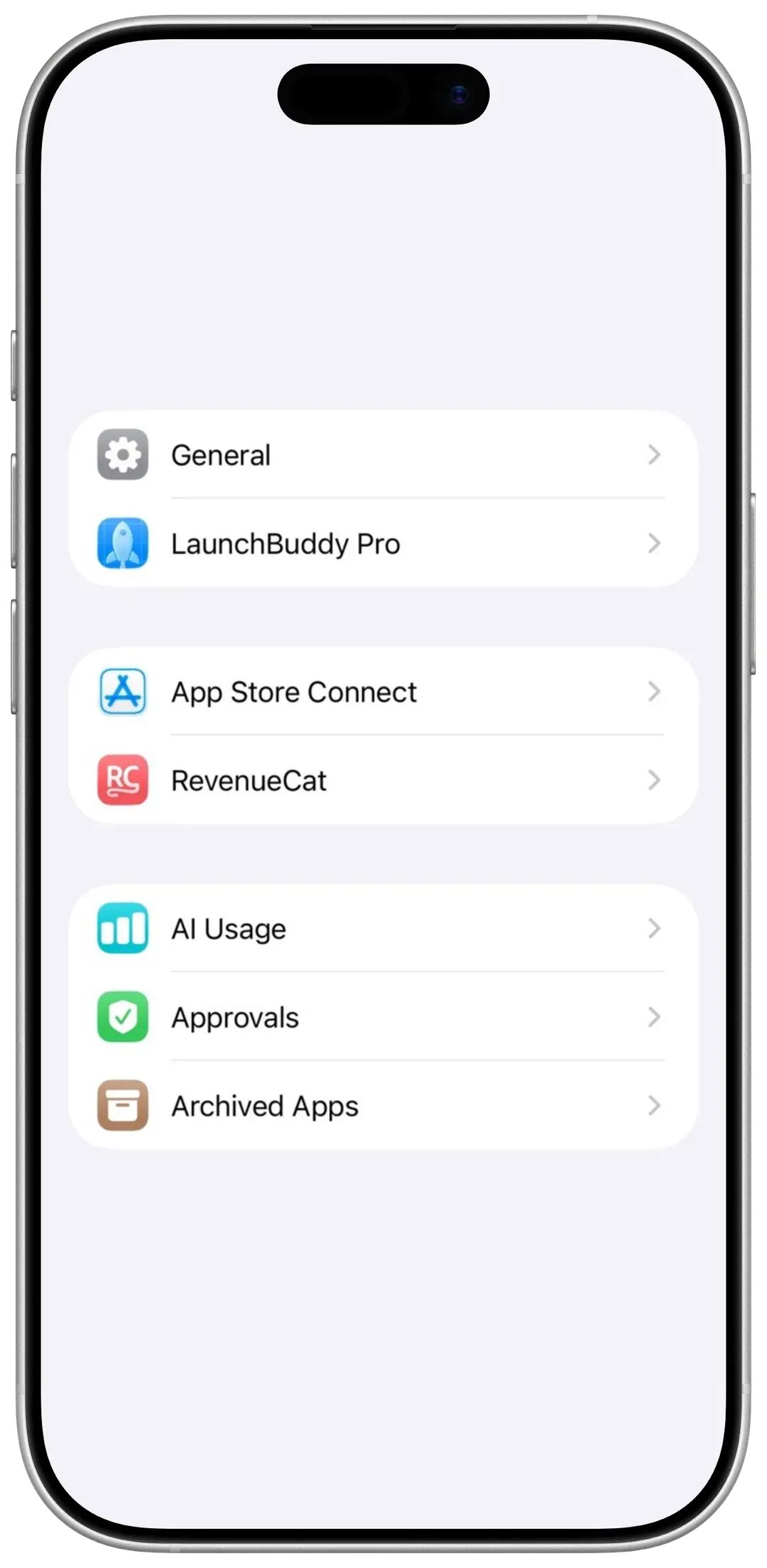
Settings got a wardrobe
Settings and the sidebar now share a set of colored icons. On Mac, the Roadmap lives in Settings.
Smaller touches
Creating a release, finishing a task, and shipping all feel a little more like they meant it. On Mac, dragging a card on the taskboard now lands where you drop it.