Mac · iPhone · iPad
Every color
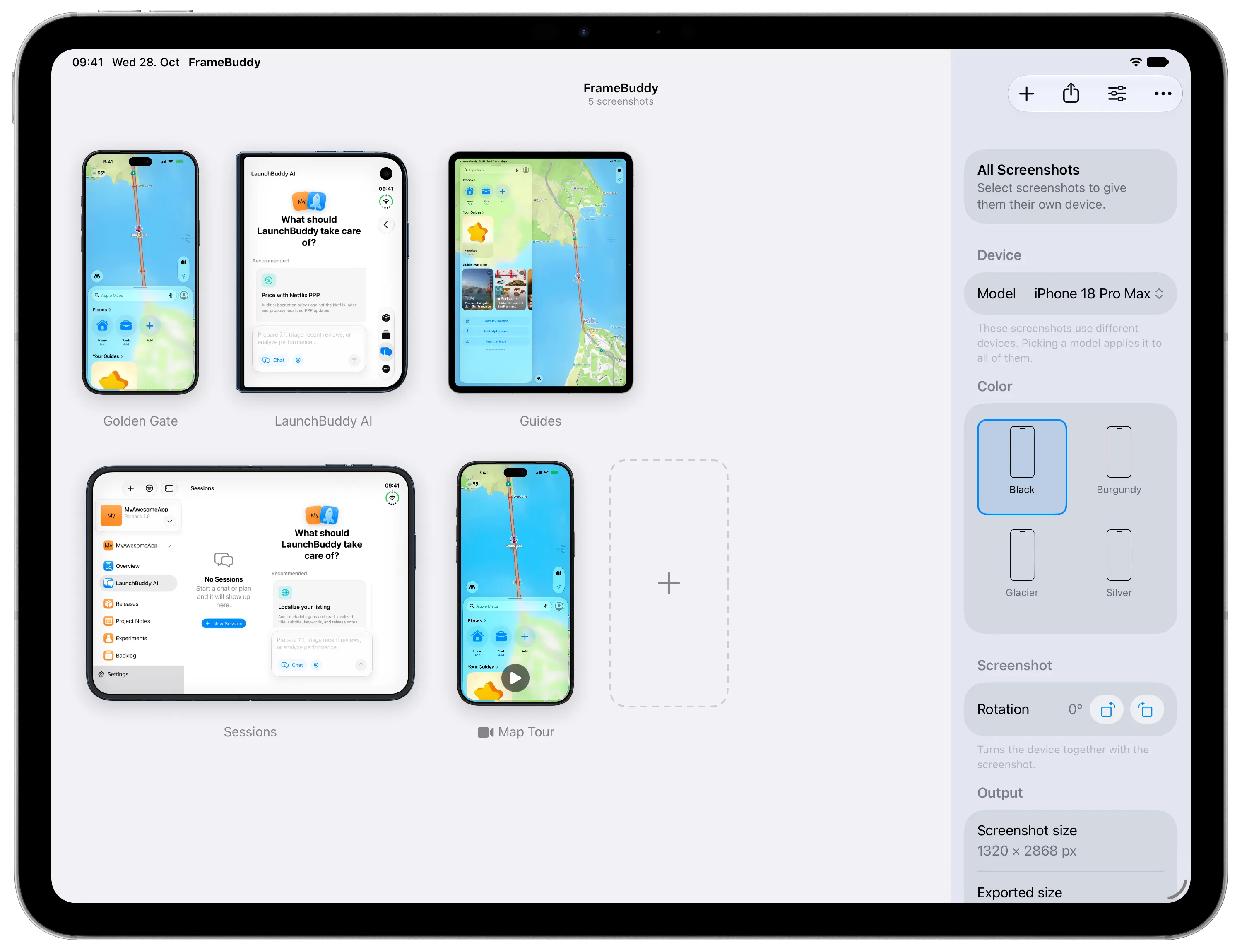
Each device in the colors Apple sells it in, from Cosmic Orange to Night Sky. Pick one for the whole set or a different one per screenshot.

FrameBuddy
Drop in a screenshot and FrameBuddy puts it in the iPhone, iPad, or iPhone Duo it was taken on. Pick any color, then export transparent PNGs and movies for your App Store page, website, or launch post.
Mac: available now iPhone & iPad: coming soon
Not on a Mac? Get an email when the iPhone and iPad version is live.
Confirm your email to subscribe. Unsubscribe anytime.
No templates to pick and no canvas to line up. FrameBuddy reads the resolution of each screenshot and puts it in the matching device, so a whole set is framed the moment it lands.
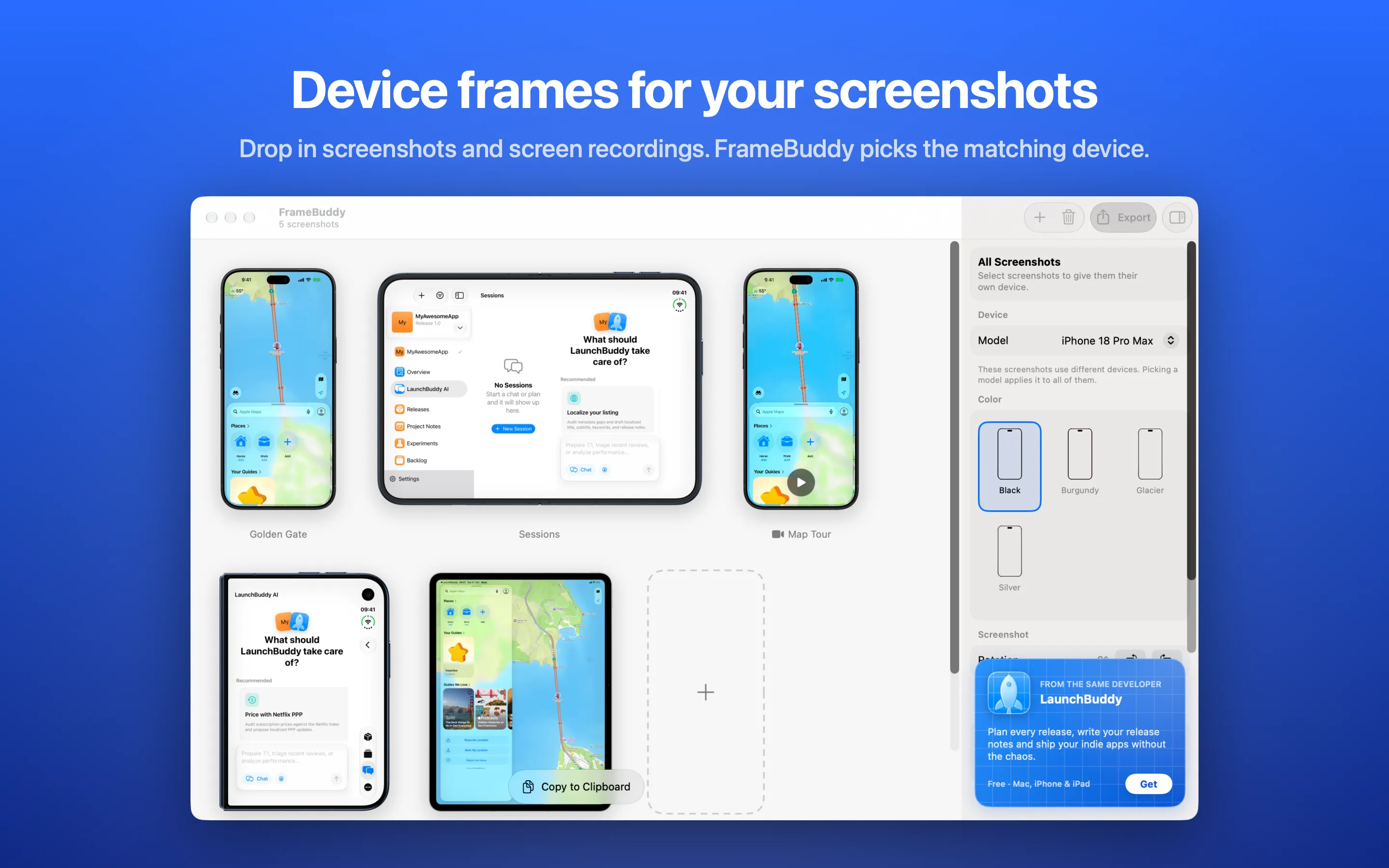
Drag screenshots and screen recordings onto the window, or add them with the + button. Whole sets at once.
Each one is matched to the device whose screen has the same resolution. Change the model, color, or rotation anytime.
Save transparent PNGs and movies to any folder with ⌘E, or copy them straight to the clipboard with ⇧⌘C.
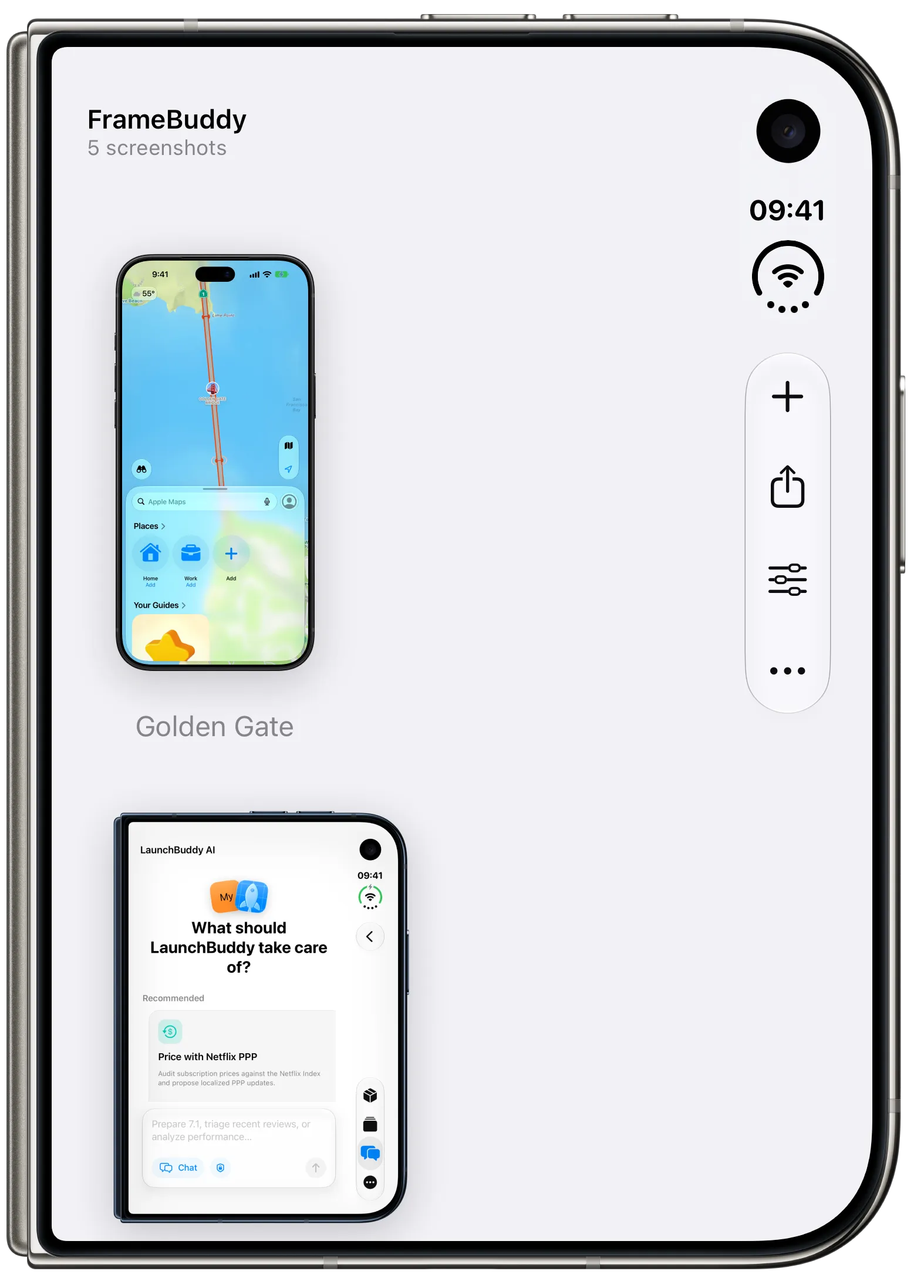
Frames for both displays: the tablet-sized inner display in portrait and landscape, and the outer display with its tighter corners on the hinge side. Screenshots from either one are matched by resolution, so you never pick the wrong half.
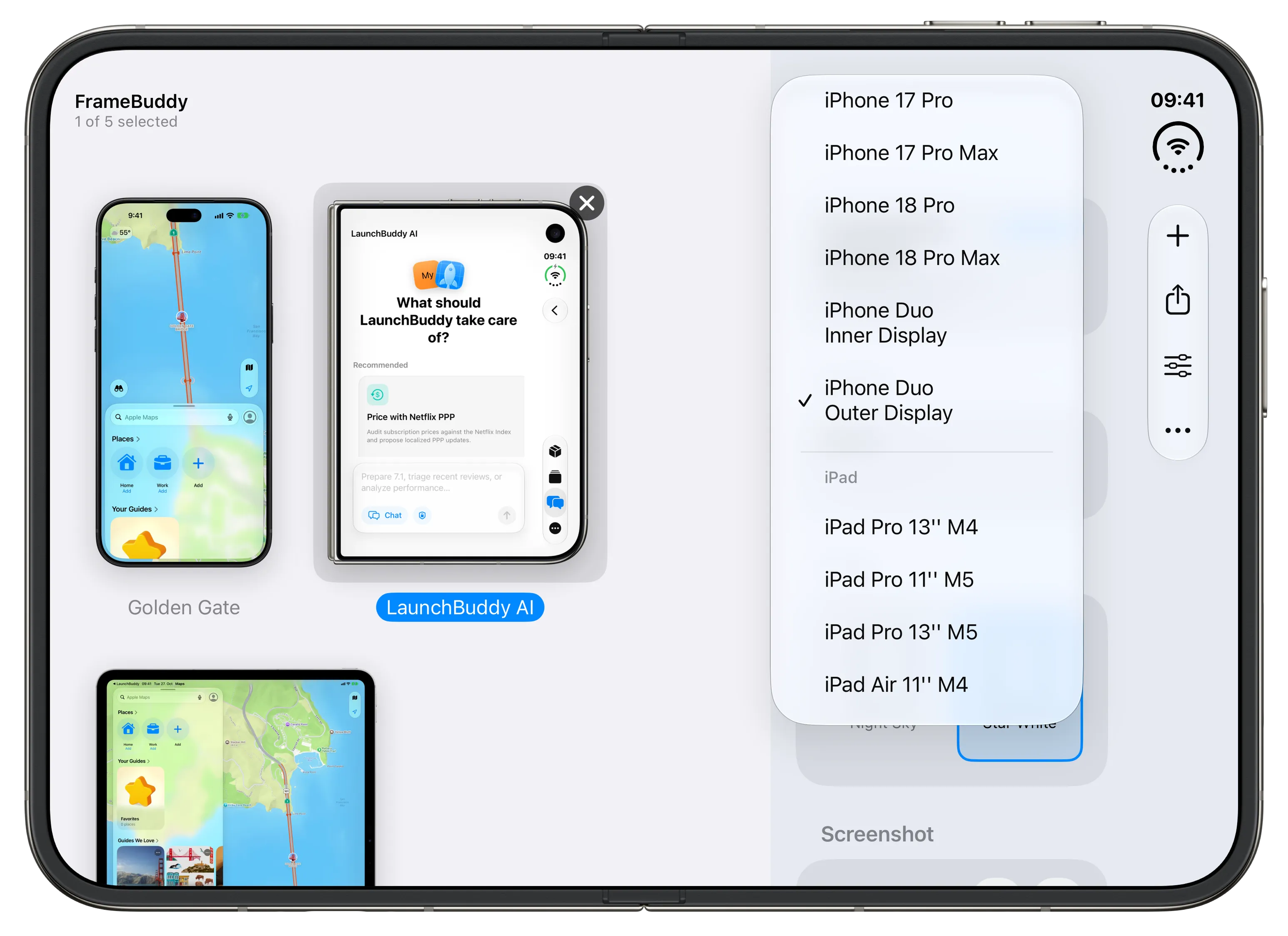
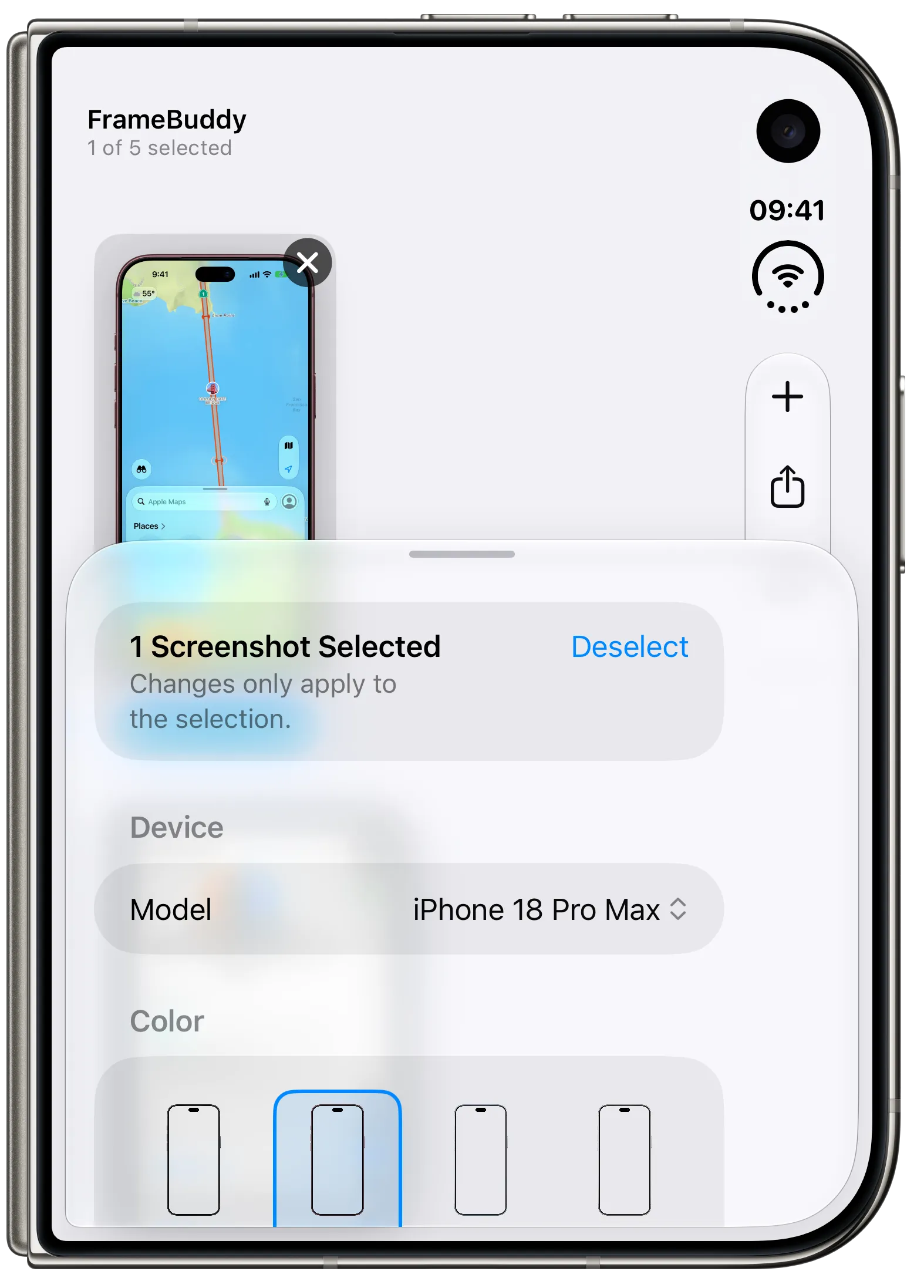
Set a default device and color once. The app, Finder, Shortcuts, and the command line tool all follow it.
Mac · iPhone · iPad
Each device in the colors Apple sells it in, from Cosmic Orange to Night Sky. Pick one for the whole set or a different one per screenshot.
Mac · iPhone · iPad
Videos are framed like screenshots and saved as QuickTime movies with a transparent background, ready for a landing page or a launch post.
Mac · iPhone · iPad
iPads and the iPhone Duo inner display frame in both orientations. Rotate any device together with its screenshot.
Mac
Right-click screenshots in Finder and choose Add Device Frames. The framed files land next to the originals without opening the app.
Mac · iPhone · iPad
The Frame Screenshots action frames whatever you hand it, so a screenshot can go from capture to framed in one automation.
iPhone · iPad
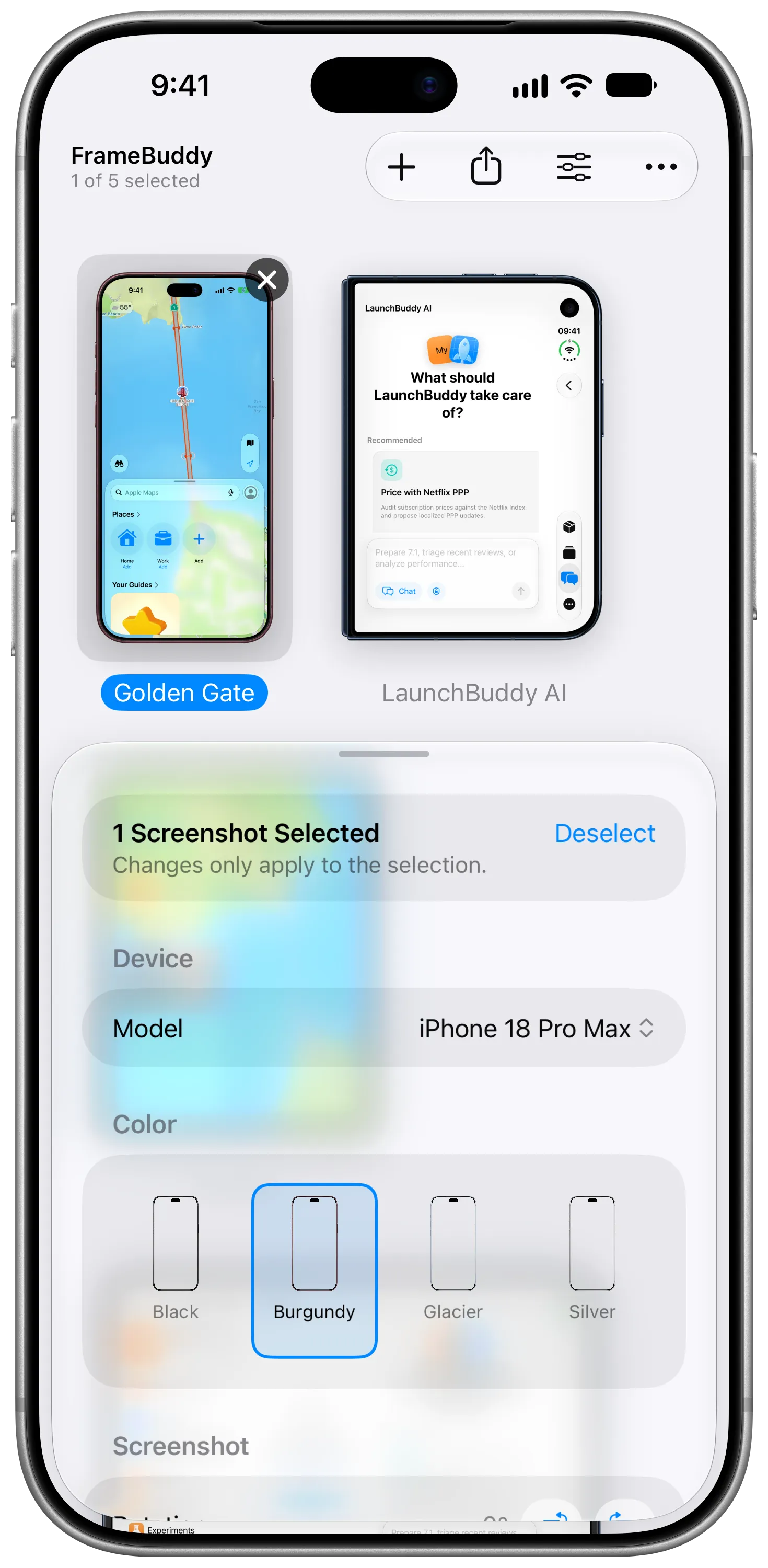
Share screenshots to FrameBuddy from Photos or any other app, then save the framed result back to Photos or Files.
The framebuddy tool ships inside the Mac app and frames screenshots and recordings from Terminal, scripts, and CI, with the same devices and colors. FrameBuddy's Command Line Tool window gives you the one command that adds it to your PATH.
Run framebuddy devices for every device name, and
framebuddy help for all options.
# Frame every screenshot in Downloads
framebuddy ~/Downloads/*.png
# Pick the device and color yourself
framebuddy -d "iPhone 17 Pro" -c "Deep Blue" shot.png -o Framed
# Screen recordings become framed .mov files
framebuddy ~/Downloads/recording.mov
# Pipe it through a script
framebuddy < shot.png > framed.png
Apple's official device bezels, from iPhone 13 Pro Max to iPhone 18 Pro Max, every current iPad, and both displays of iPhone Duo.
FrameBuddy is made by the developer of LaunchBuddy, the release manager for indie iOS developers. Plan each version, run App Store submission checklists, and reply to reviews on iPhone, iPad, and Mac.
See LaunchBuddyPreparing your listing? Read the App Store screenshot requirements and the App Preview requirements.